
Quick summary
The BAMBU LAB P2S is a true sequel to the P1S rather than a minor iteration. It brings the AMS2 Pro, a nicer touchscreen, easier handling, and a handful of quality-of-life fixes aimed at complaints people had about the P1S. The core print quality sits squarely in the same reliable range Bambu Lab has been delivering — but with more convenience and a few modern features like AI-based print monitoring.
Unboxing and first impressions
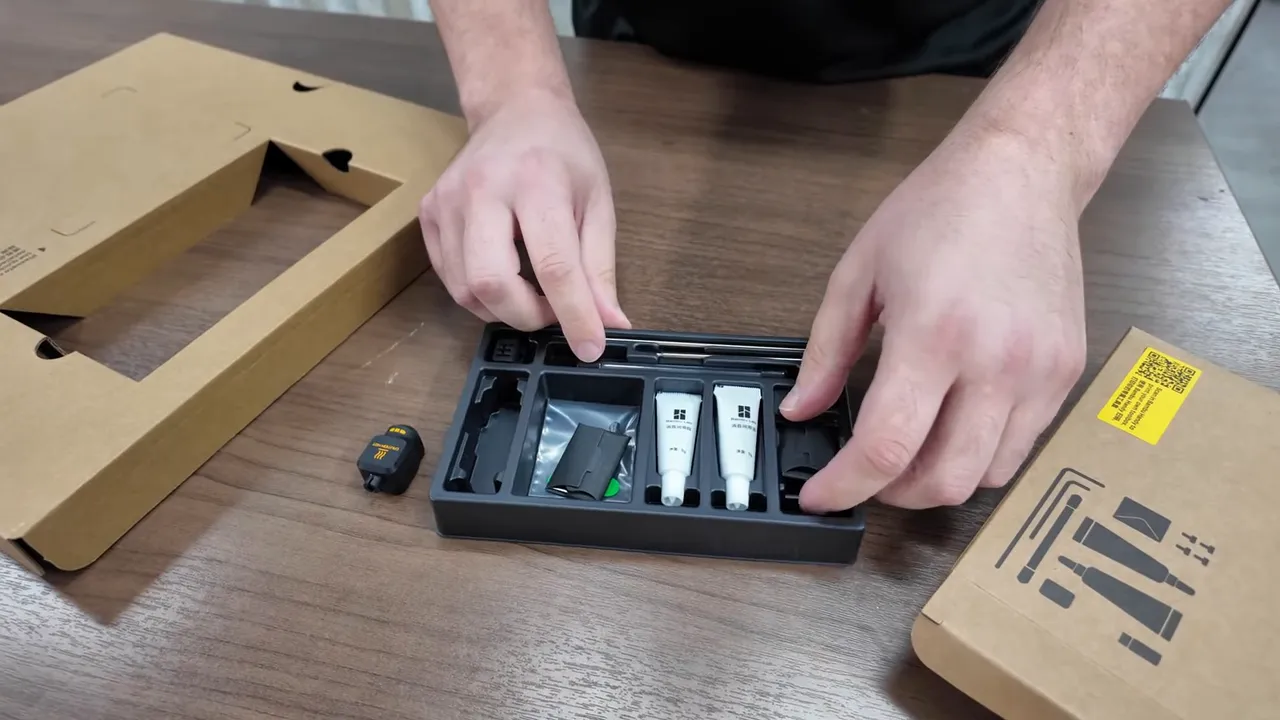
Packaging feels familiar but thoughtful. Accessories arrive in a small box with basic tools, grease, and oil. There is no extra hotend packed in the box, so plan accordingly if you like swapping nozzles right away.
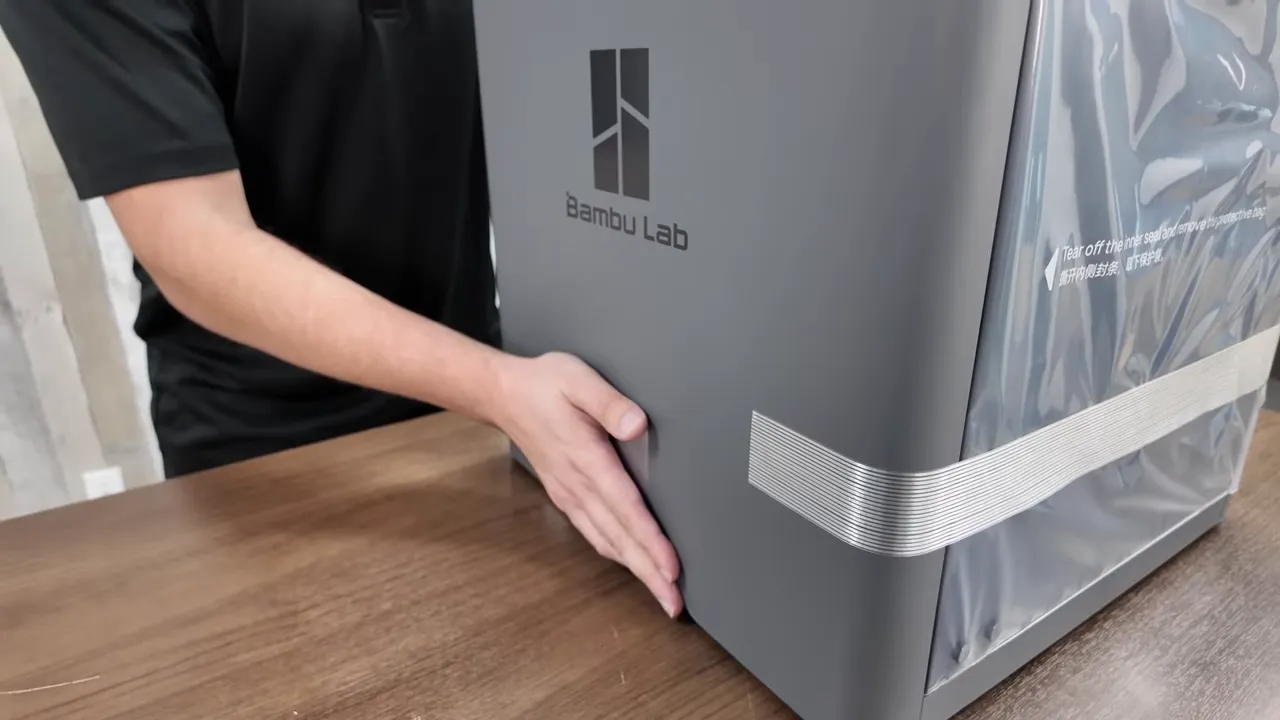
One immediately useful addition: well-placed handles on the sides. They make moving and lifting the chassis effortless, which matters when you take the printer in and out of a workbench or closet.
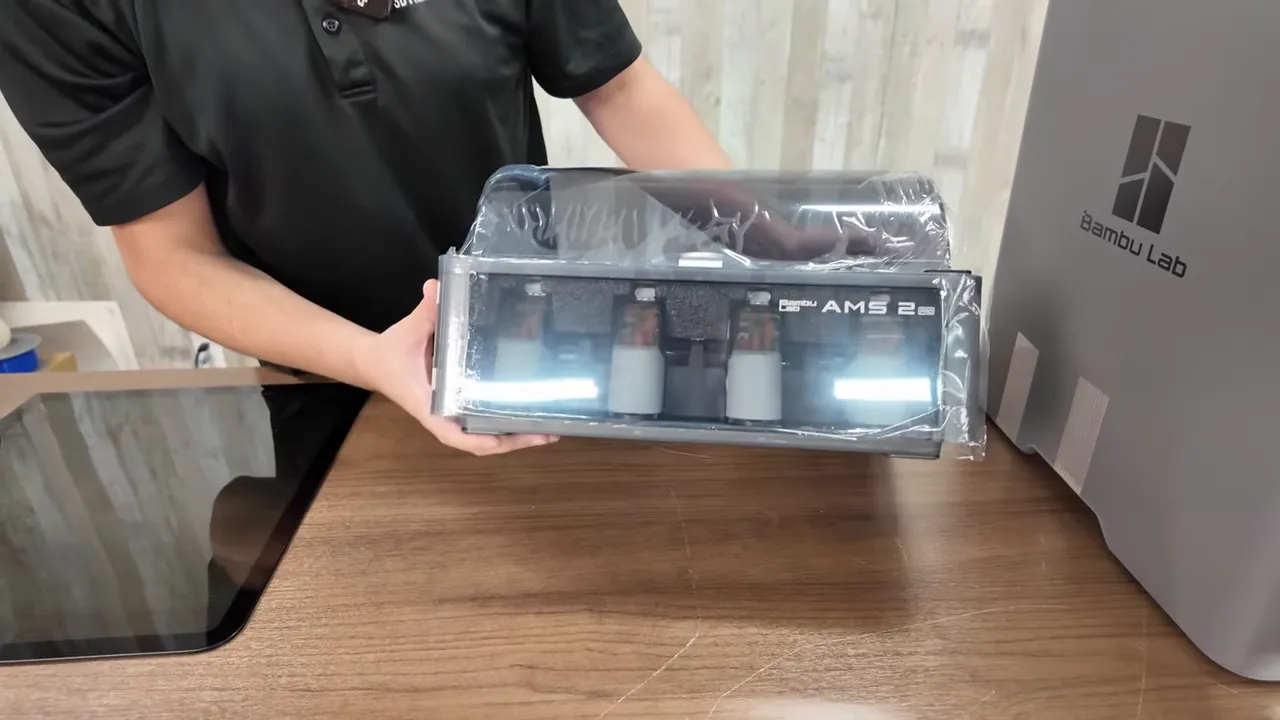
The P2S ships with the glass top cover and the AMS2 Pro module. The AMS2 Pro is the same generation used on the H2D and looks like the direction Bamboo Lab is taking for future machines.
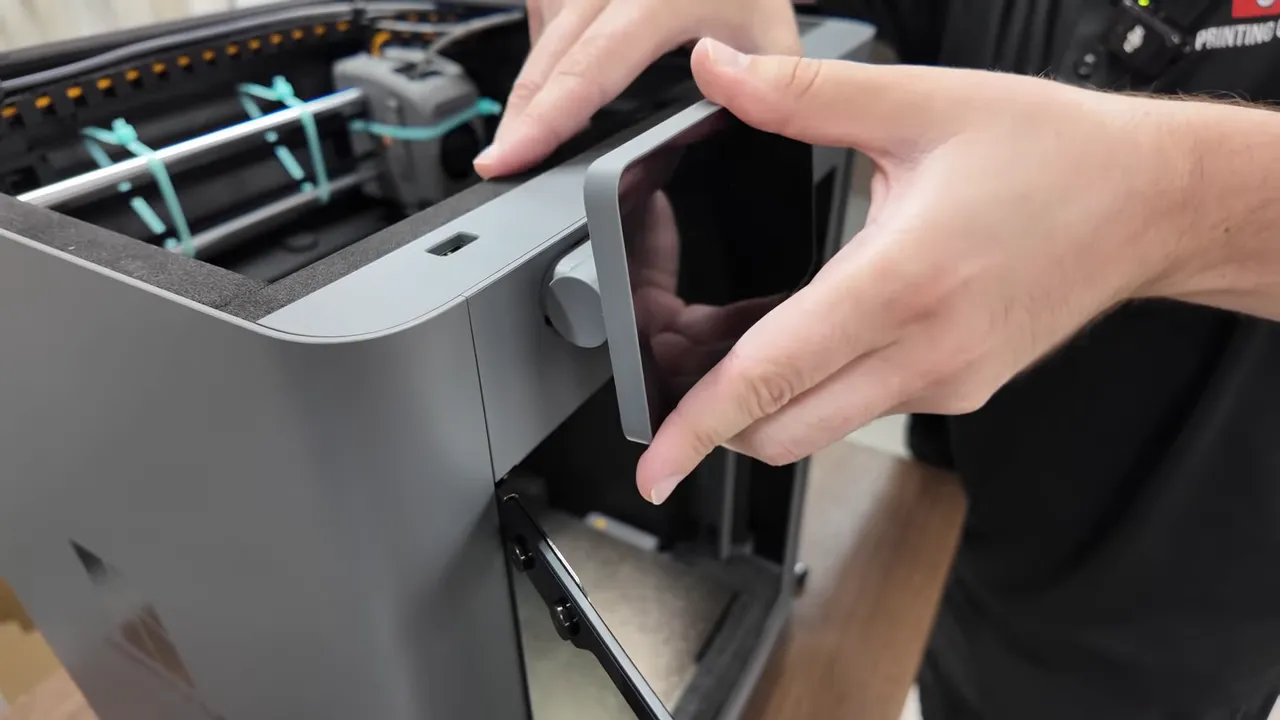
Installing the new touchscreen is straightforward: plug it in, press it on, and slide to lock. Zip ties and transit screws are the usual packaging hold points to remove before powering up.
Setup and connectivity
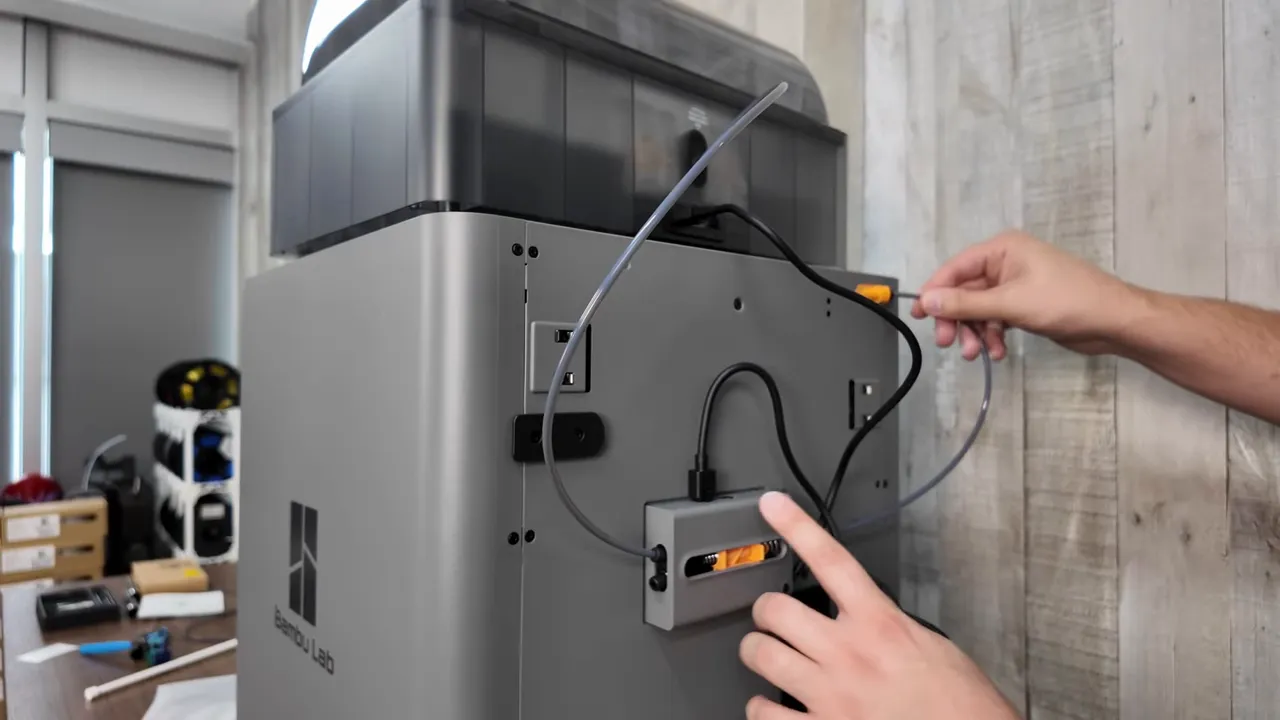
Hookup is simple. Plug the six-pin cable and PTFE tube into the AMS, then into the buffer, and the power cord into the printer. Inside the AMS there are desiccant packs that need to be opened and reseated in their holders.
The P2S works with the Bamboo Handy app and supports QR-based binding to a Bamboo account, followed by guided calibration. That gets you printing quickly without hunting for IPs or complex pairing steps.
Notable new features
- AMS2 Pro module for multi-filament workflows, improved over the P1S implementation.
- New touchscreen — sharper and more user friendly than the older P1S display.
- Side spool holder and cleaner internal routing for simpler filament management.
- AI print-detection features such as spaghetti detection and object-on-bed detection at print start.
- Nozzle compatibility with H2 series — the P2S uses the same nozzle system as the H2S/H2D line, which makes swapping 0.4 / 0.6 / 0.8 nozzles convenient.
AI safety and detection — how it performs
The P2S implements two practical camera-based protections:
- Spaghetti detection — the printer can detect filament disasters early and pause the print. During testing, the system paused within under a minute when a print was intentionally knocked loose, giving the option to resume or cancel.
- Bed object detection — if a previous print is still on the bed the machine will identify it and stop before the head crashes into that object. This is a useful safeguard for multi-job benches or forgetful starts.
Test prints and materials
Flexible prints (silk PLA)
Flexible dragon models are great for revealing stringing, adhesion, and retraction problems. Using silk PLA, the P2S produced very low stringing and smooth layers — comparable to the P1S and consistent with Bamboo Lab’s recent quality level.
Decorative silk PLA (dragon egg)
Silk PLA can exaggerate ringing and ghosting, but prints showed minimal artifacts and consistent layer lines. Slight hair-like strands were visible in places, but overall finish was very good compared to other machines.
PMMA (Puma) — printing acrylic
PMMA (acrylic / plexiglass) isn’t in the default Bamboo slicer presets, so some tuning is required. Using a 0.6 mm nozzle and near-maximum layer height produced strong transparency and clean layers. If transparency is a priority, larger nozzles like 0.6 or 0.8 are an effective approach.
Nozzle compatibility with the H2 series made swaps quick and painless. The magnetic single-nozzle cover on the P2S means you can change nozzles in under a minute.
Multi-color / time-lapse considerations
When using the AMS or doing camera time-lapses that park the nozzle away between frames, consider a prime tower. Skipping the prime tower leads to under-extrusion artifacts immediately after a pause or color change because nozzle pressure needs to be re-established. A short prime tower or purge sequence avoids those thin layer gaps.
Practical tips
- Use a prime tower for multi-color prints and time-lapse setups that move or pause the nozzle.
- Keep spare 0.6 and 0.8 nozzles if you print transparent or large-layer-height parts like PMMA pieces.
- Open and reseat AMS desiccant before first use to ensure proper filament storage conditions inside the module.
- Enable AI detection to reduce wasted prints and avoid collisions when restarting jobs on a non-empty bed.
- If budget matters, the P1S price has dropped and remains a solid buy. The P2S adds convenience and a few features but keeps core print quality similar.
Pros and cons (at a glance)
- Pros: AMS2 Pro, modern touchscreen, easy nozzle swaps, AI detection, handles, same nozzle family as H2 series.
- Cons: No extra hotend included in the box, PMMA requires manual tuning, multicolor prints benefit from additional prime/purge material.
Final takeaway
The P2S addresses many of the small but important usability complaints that surrounded the P1S. It keeps the reliable print quality Bamboo Lab customers expect while adding improved hardware and software niceties at roughly the same launch price as the P1S. For those who want the latest convenience features — better screen, AMS2 Pro, improved handling, and AI safeguards — the P2S is a compelling step up. If price is more important than those extras, the P1S remains a strong, now cheaper, alternative.
References
Keywords covered: BAMBU LAB P2S, Bambu Lab, P1S, AMS2 Pro, PMMA, 0.6 nozzle, spaghetti detection, prime tower, multicolor.